Publish without visiting the screen
Upload approved media, set a playlist and schedule, then verify delivery and playback from the panel.
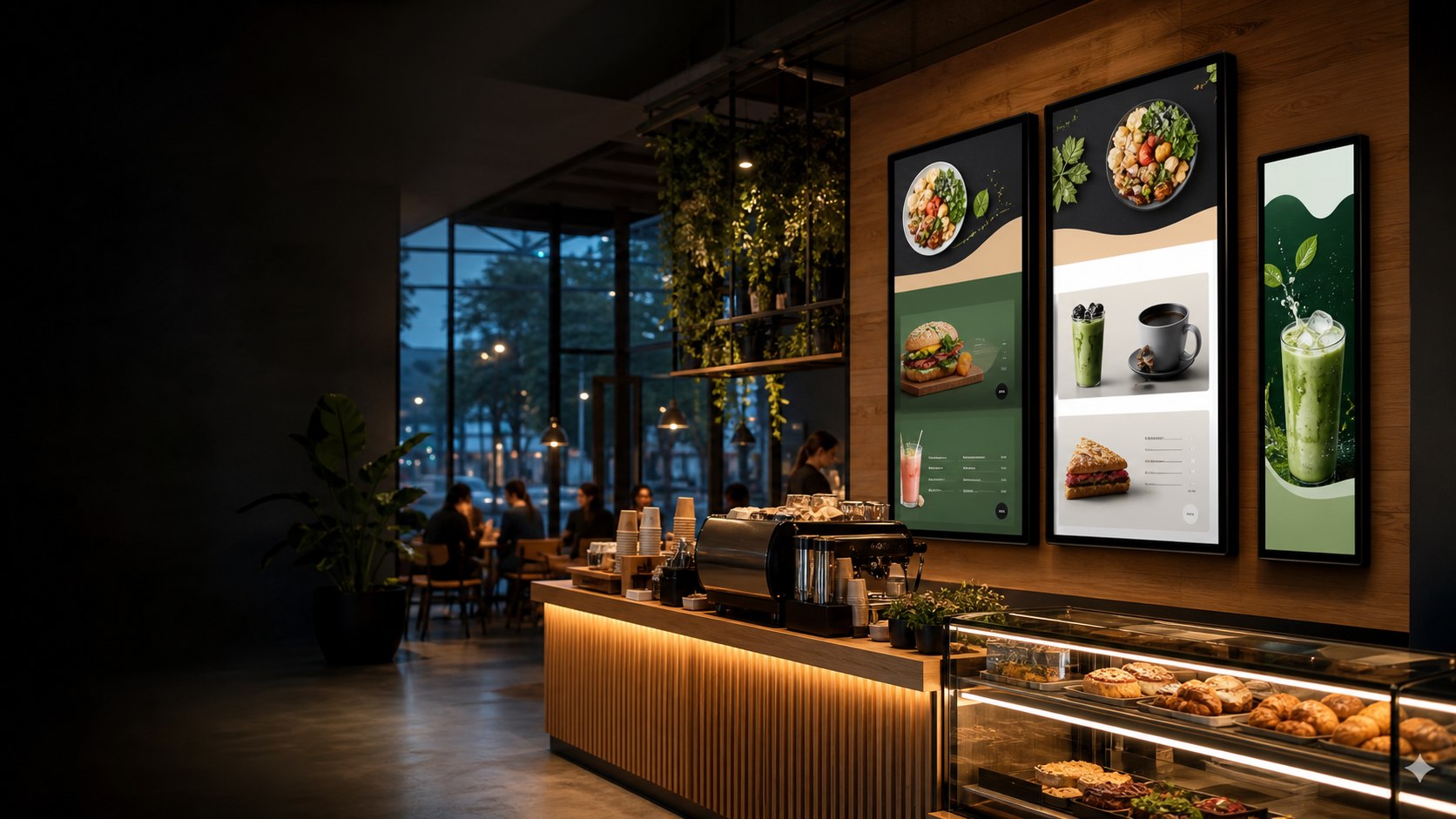
Digital signage software
Zengin Digital Signature brings screen pairing, media, playlists, schedules, licensing and operational visibility together for signage teams that need to know what is actually playing.
One operational system
Use the Signature center to manage customer records, certificate workflows and licenses. Customer teams use their panel for media, playlists, screens, schedules and reporting. The player handles pairing, delivery and playback status.
Upload approved media, set a playlist and schedule, then verify delivery and playback from the panel.
Connection status, player version, cached media and playback evidence make issues visible before they become a customer call.
Keep licensing, customer onboarding, signed packages and handover checks in an accountable operational flow.
Digital display solutions
Build a clear, repeatable screen workflow for each location while keeping media, timing and device visibility in one platform.
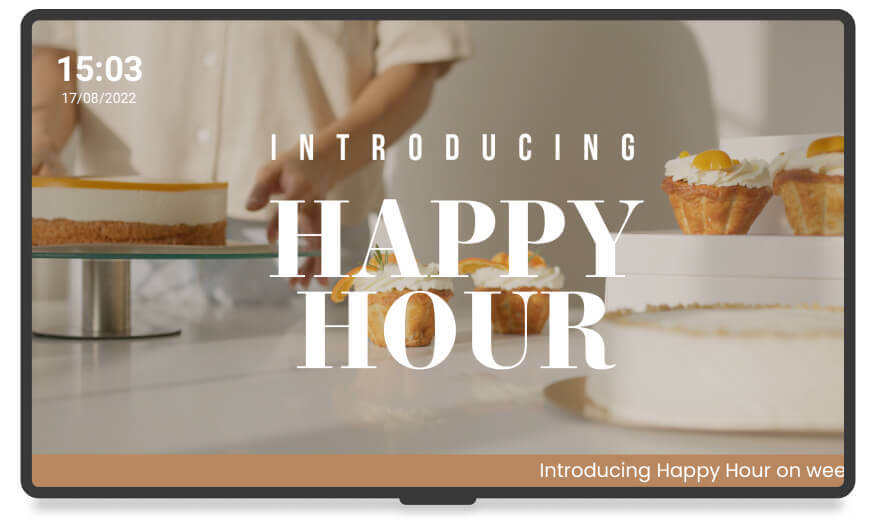
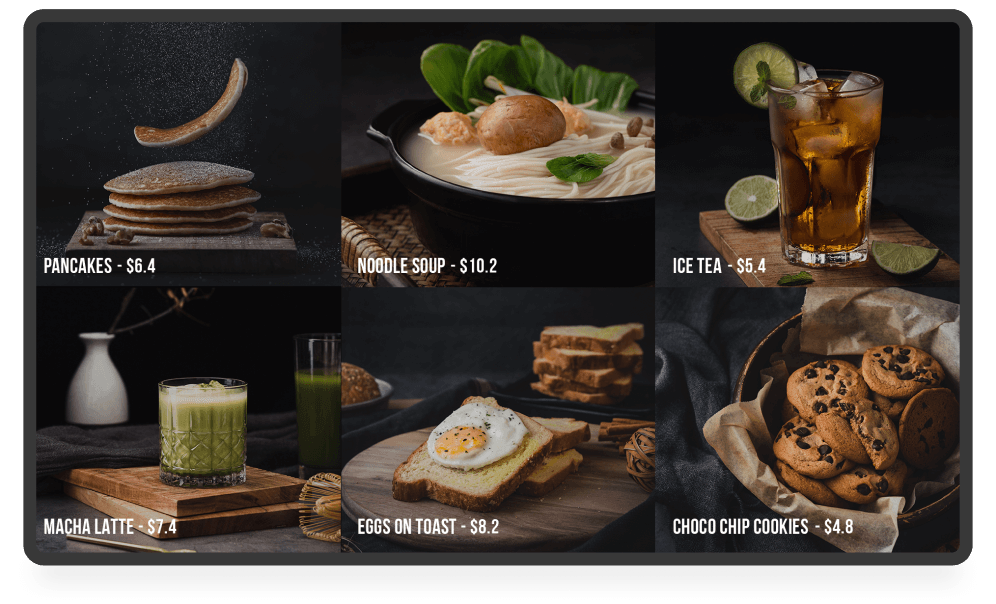
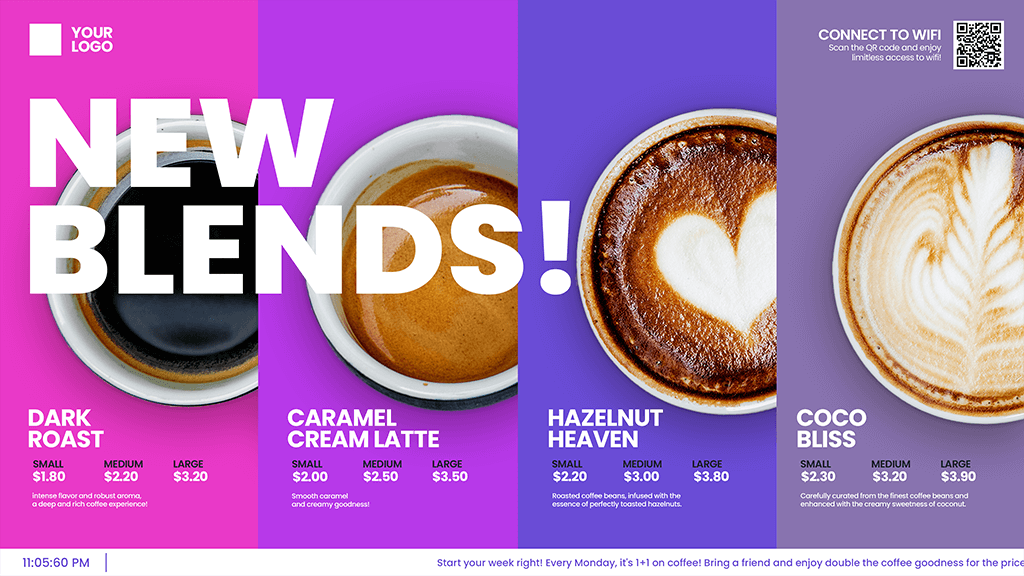
Menus, promotions, QR journeys and daypart content.
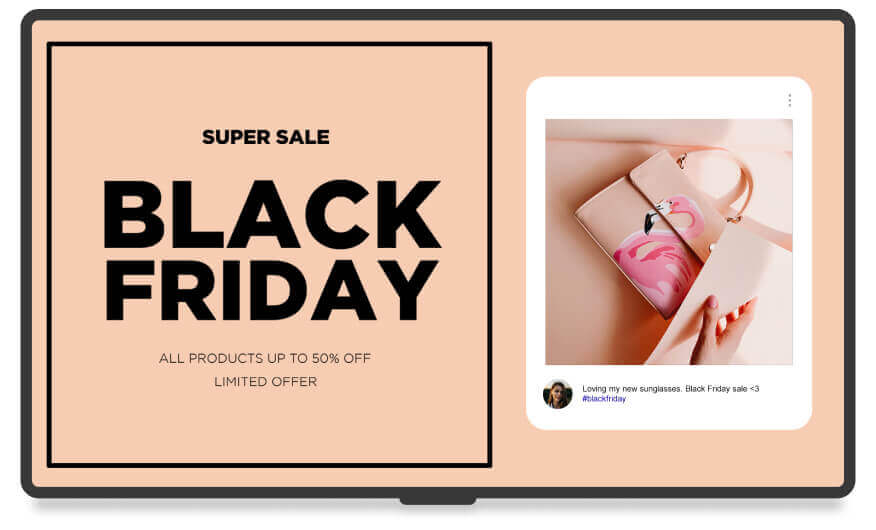
Storefront messaging, in-store offers and product campaigns.
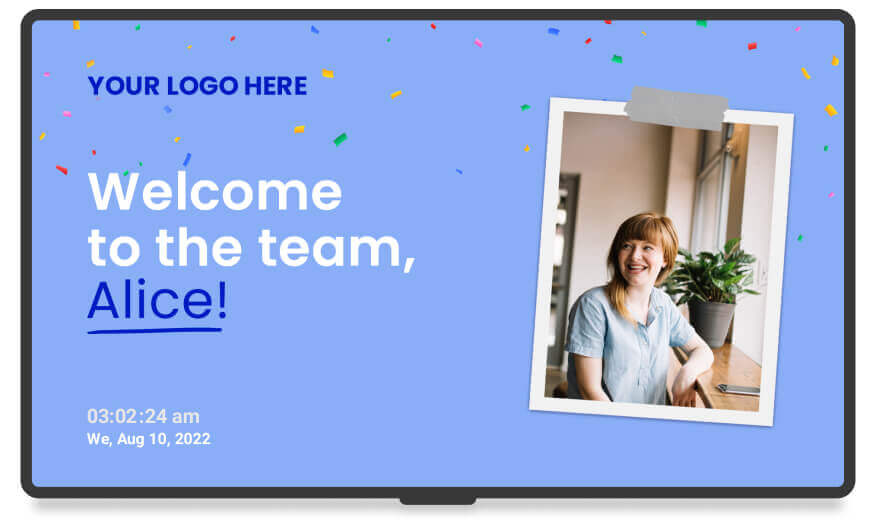
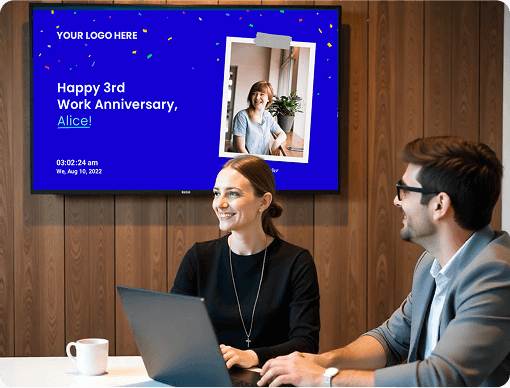
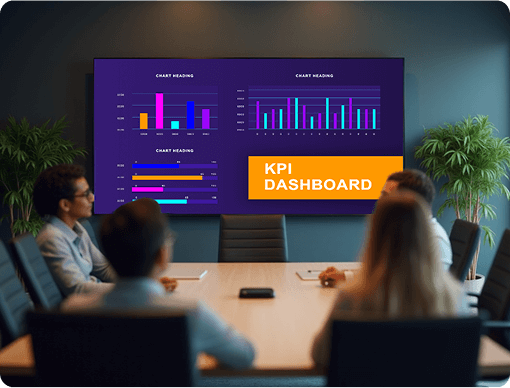
Welcome, KPI and internal communication screens.
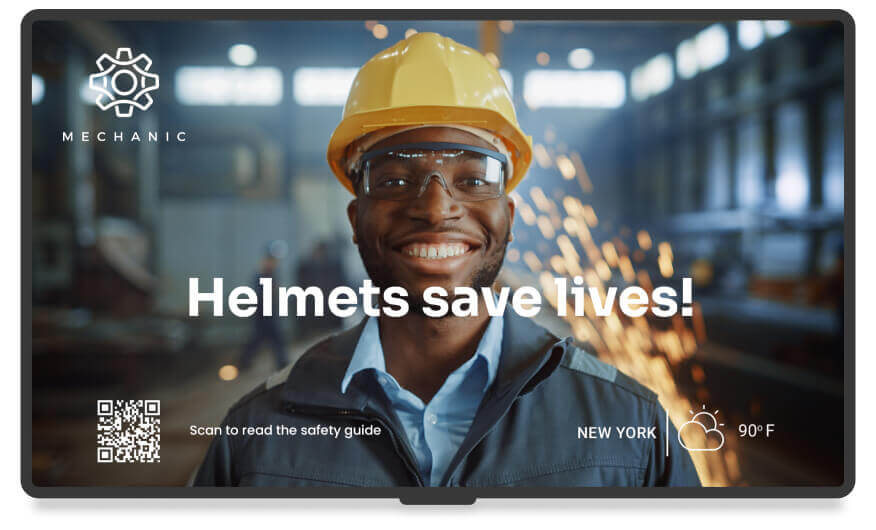
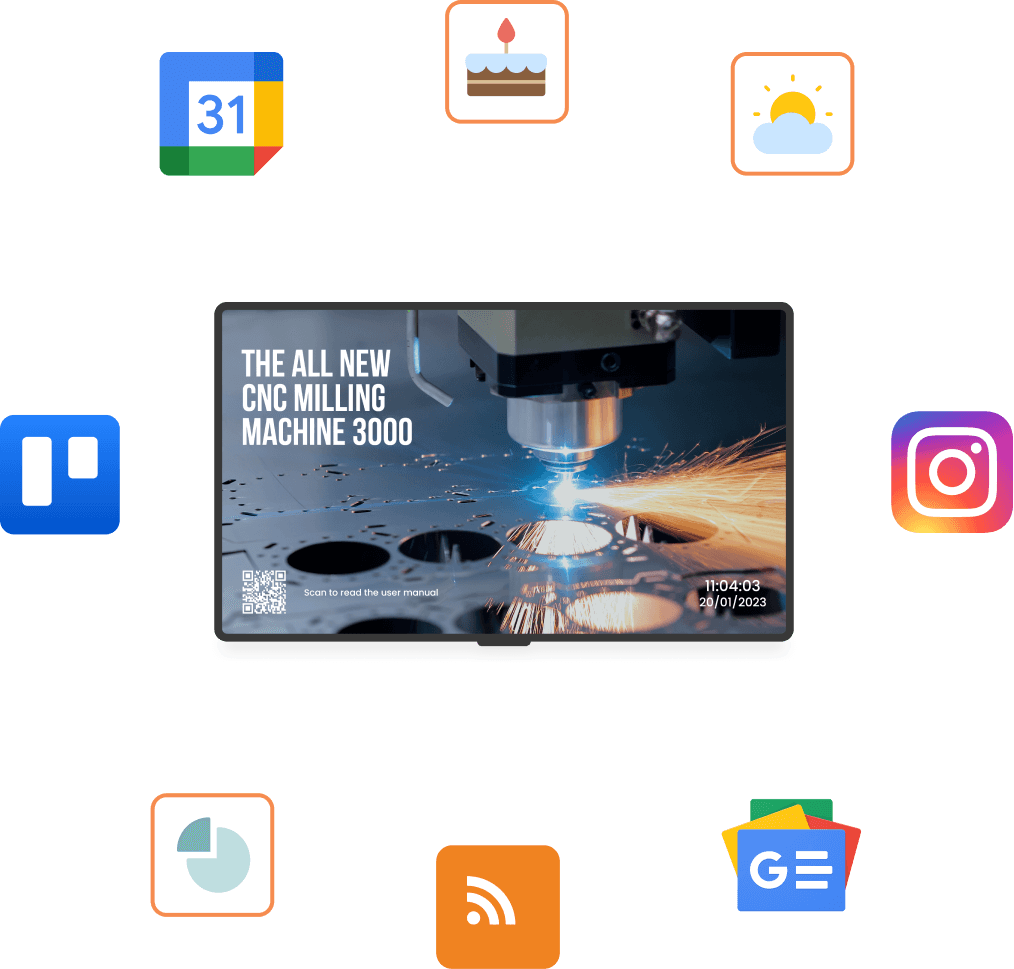
Production, safety, KPI and shift communication.
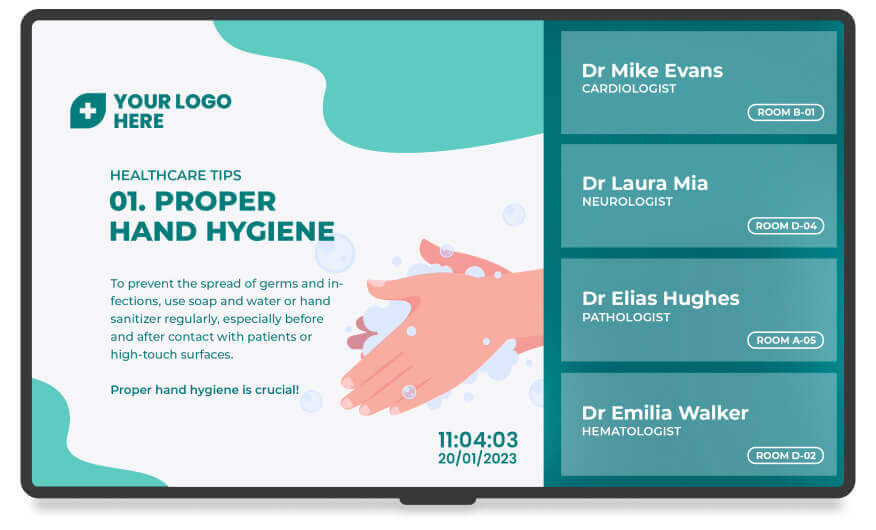
Patient information, wayfinding and waiting-area content.
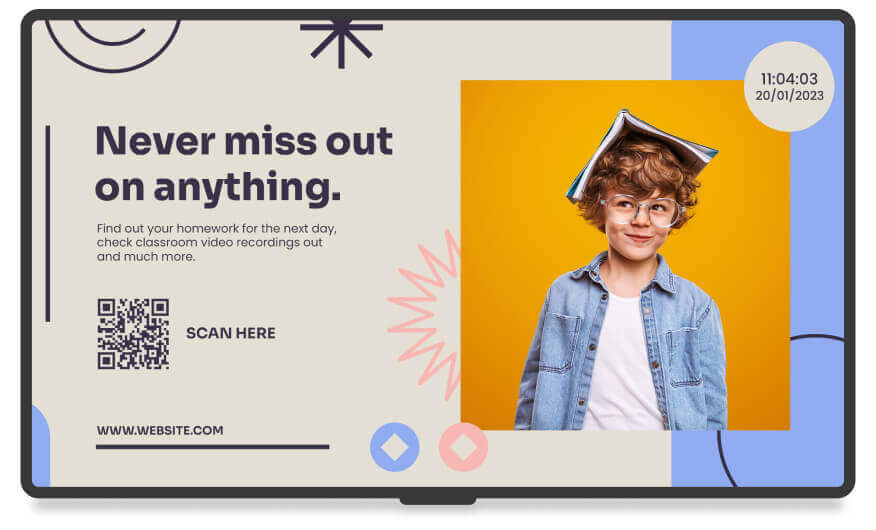
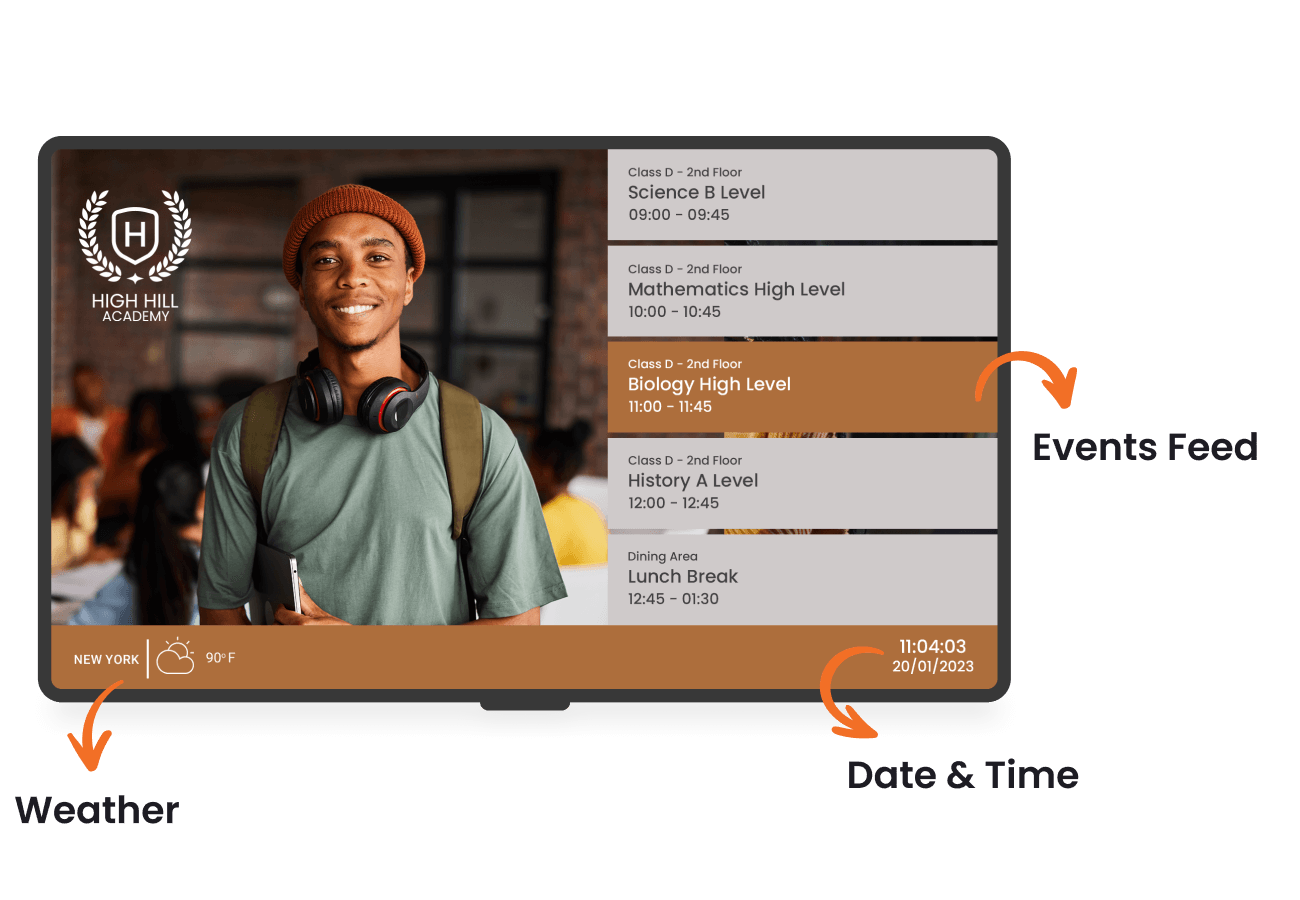
Announcements, event calendars and directions.
Digital signage in action
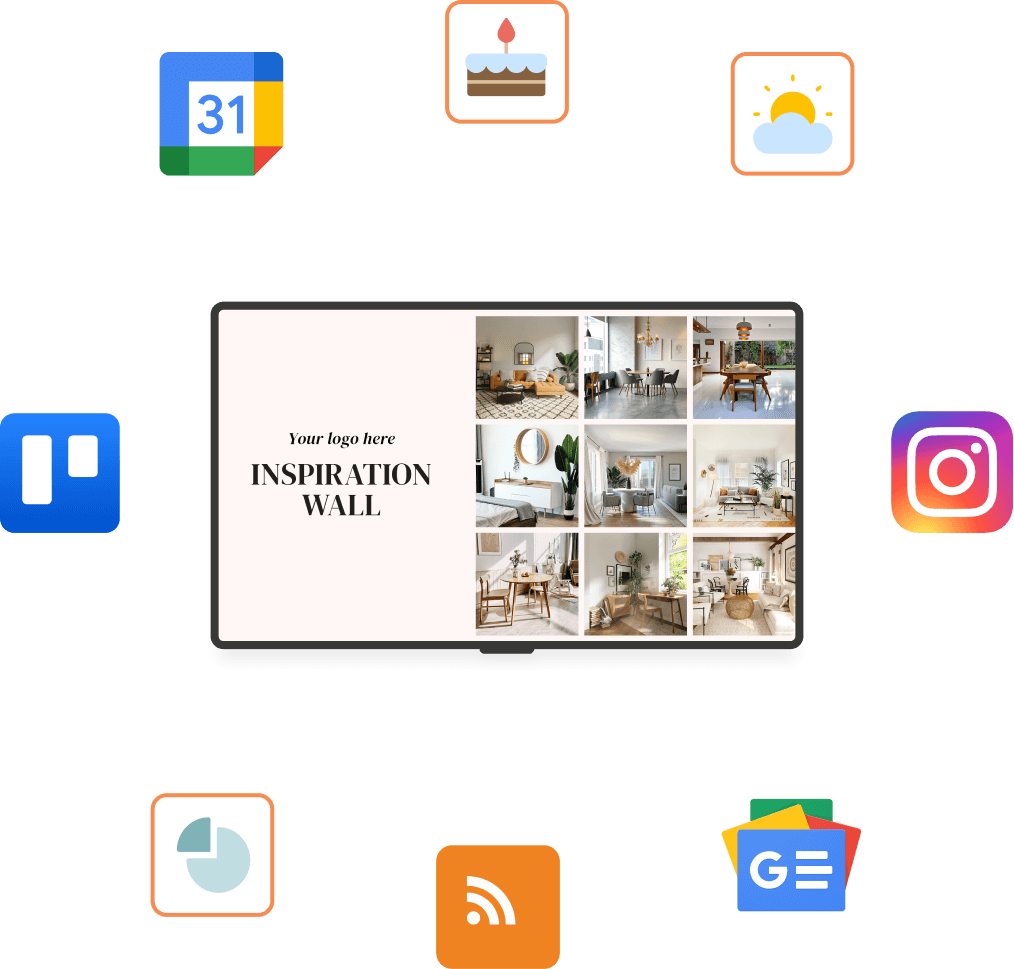
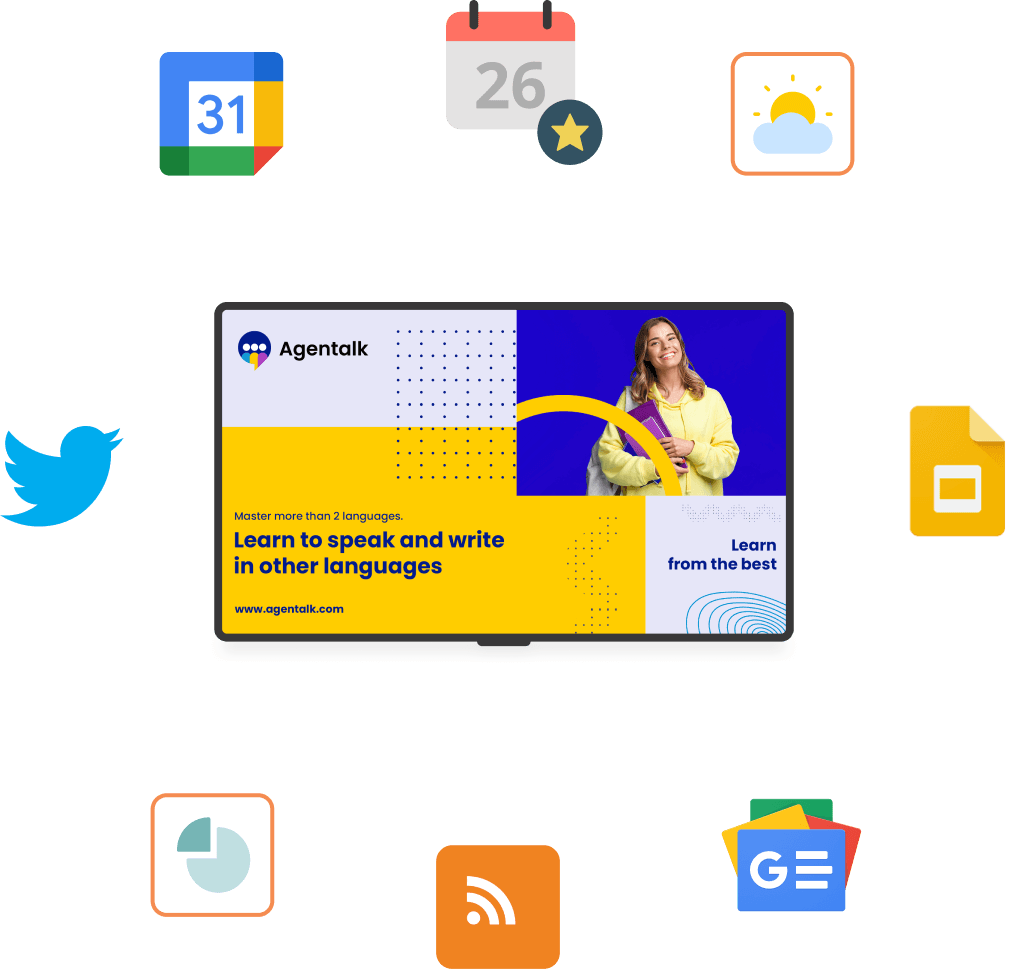
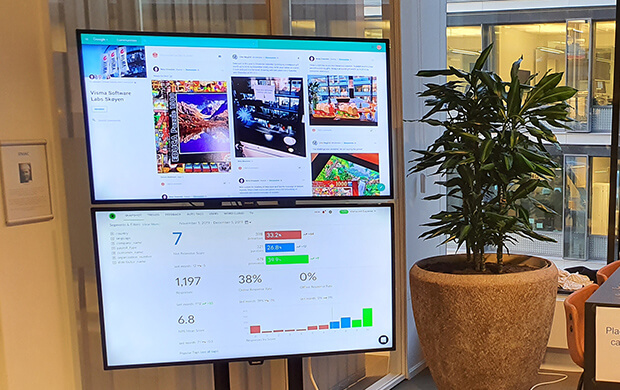
Explore real-world menu, retail, workplace, manufacturing and campus display examples.
Delivery workflow
Create the customer, select the platform and set the correct panel and player addresses.
Install the compatible player, use the on-screen pairing code and assign the right playlist.
Publish content, monitor health, review playback proof and keep the rollout current.
Talk to Zengin Digital
Tell us about your locations, screens and content workflow. We will map the right player, setup and management path.